A Calligraphy Tracing App: Trace Real Brush Art With a Finger
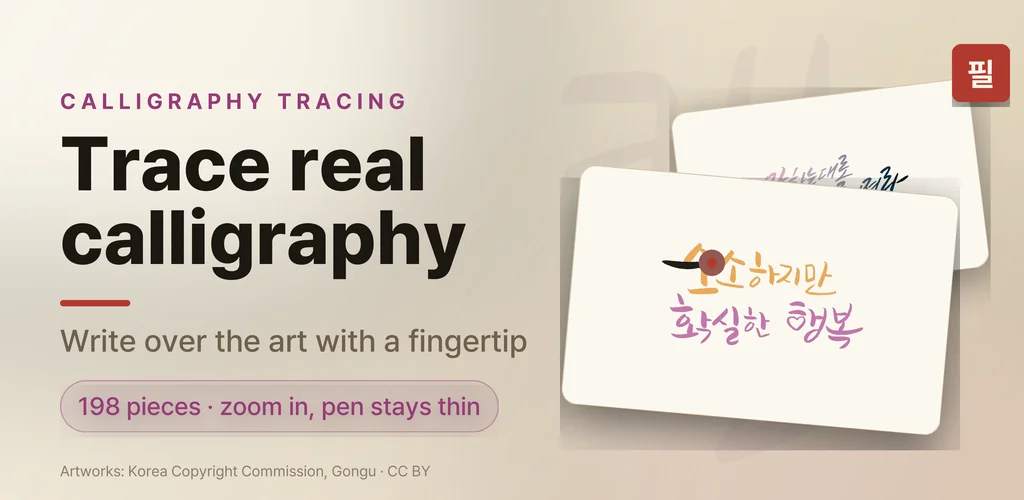
I had a folder of saved calligraphy on my phone and had never written a single stroke of it. That is the usual story: you admire the brushwork, you think "I could never", and you scroll on. So I rebuilt my little handwriting quotes app into a calligraphy tracing app. It lays a real piece of Korean calligraphy faintly on paper, you zoom in until the letters are big, and follow every stroke with a fingertip. A soft brush smooths what your finger does, so the result looks like brushwork even when your hand does not.
It is called Pilsa — the Korean word for copying a text by hand. The copywork side is still there (quotes, poems, classics), but the thing that finally made me write every day is the calligraphy.
▶ Get it on Google Play (free): https://play.google.com/store/apps/details?id=com.thefacegood.pilsa
Why a calligraphy tracing app, not another practice sheet
Every guide to learning calligraphy starts with buying a brush pen and printing practice sheets. That is exactly the step I never took. What I wanted was the practice-sheet feeling without the printer: a piece of real calligraphy under my finger, on the phone I already have in my hand, with no setup at all.
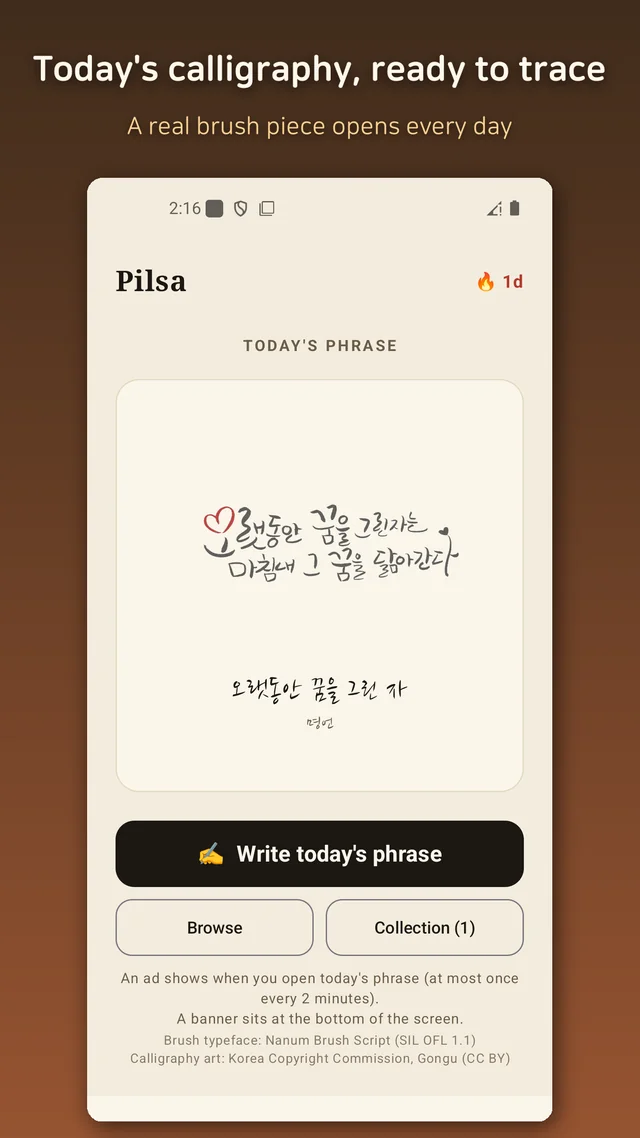
The app opens on "today's calligraphy" — one piece a day, chosen for you. Trace it, or pick any other piece from the gallery. That is the whole loop.
198 real Korean calligraphy pieces to trace
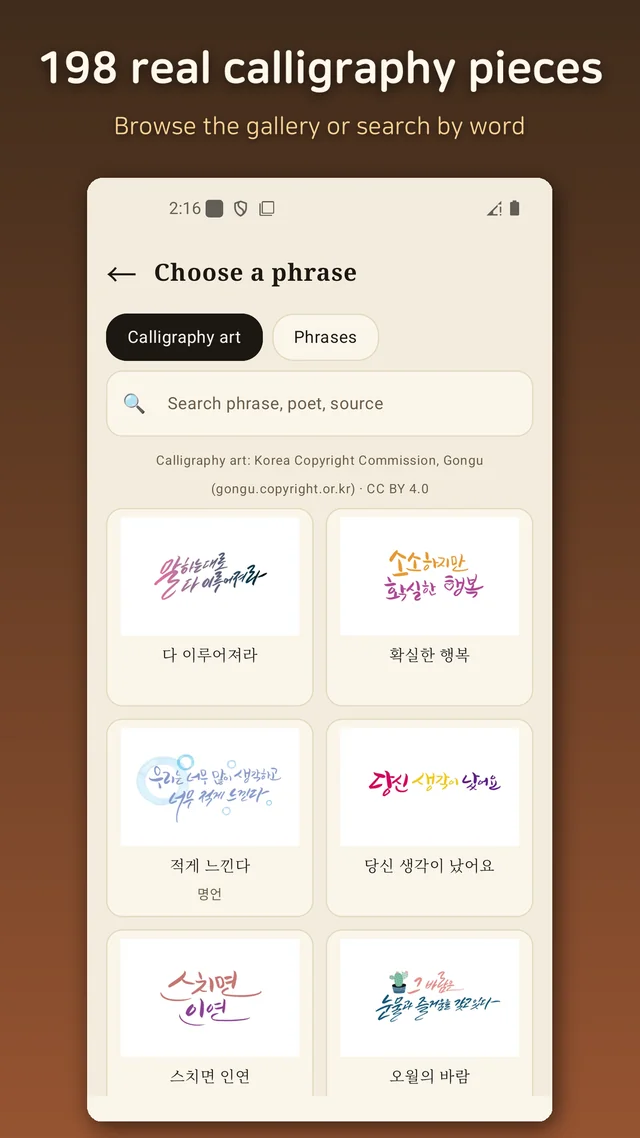
These are not fonts. They are brush pieces written by hand, published by the Korea Copyright Commission's open-license archive (CC BY 4.0), and I picked 198 of them — gentle everyday phrases, a few famous quotes, and verses by poets like Yun Dong-ju and Kim So-wol, all brushed by hand. The pieces are in Korean (Hangul), which is part of the charm if you are learning the script — and irrelevant if you just want the shapes.
Browse them in a grid or search by word or poet. Pick one and it appears faintly on the paper, ready for tracing.
Zoom in — the pen stays thin
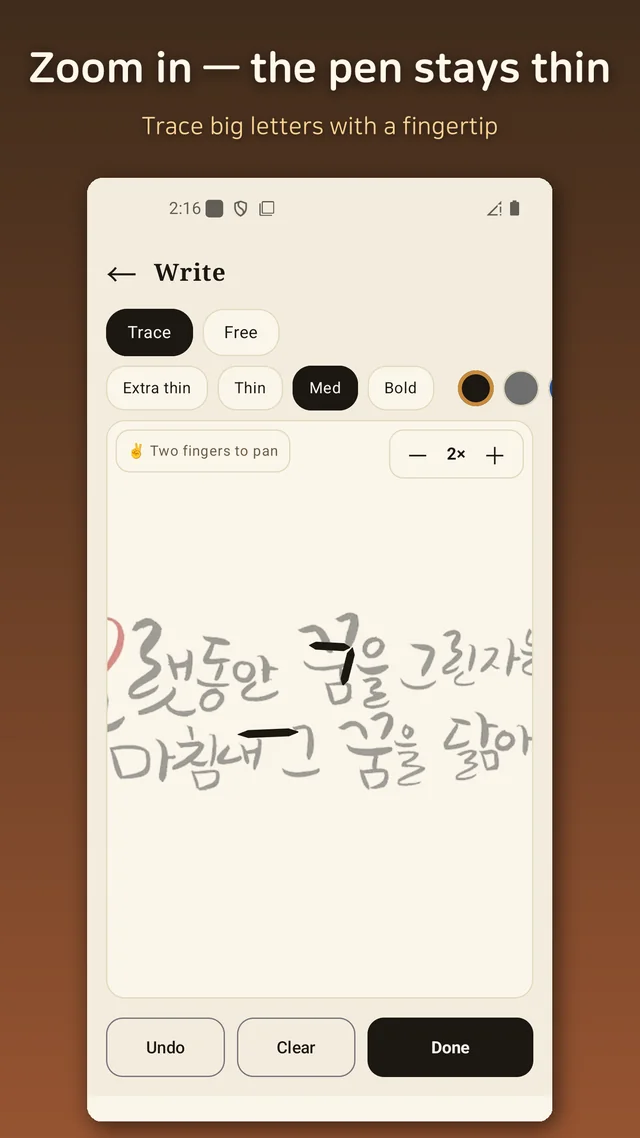
The first version of tracing did not work. Fingers are thick and phone letters are small, so every stroke swallowed the letter underneath. The fix was a zoom button: the paper grows to 1.5×, 2× or 3× while your pen keeps the same width on screen. Relative to the big letters, the pen is now thin enough to follow a stroke. Pan with two fingers while zoomed, pick a brush width from extra-thin to bold, and take your time.
As you trace, the brush thickens where you slow down and thins where you sweep, and it smooths the wobble. What you see is your handwriting with the shake taken out, not a stamp of the original.
Copywork too: quotes and poems in brush script
The original copywork is still here. Under "phrases" you get lines from Nietzsche, Tolstoy and Goethe, a few from the Analects and Laozi, and some short affirmations; each can be shown in print, in script, or in a brush face before you trace it. The brush style is set with Nanum Brush Script (an open-license typeface), so even the plain quotes look like something worth copying.
The card, the collection, and what I got wrong
Finish a piece and it turns into a card printed on a hanji-like texture (Korean mulberry paper), ready to save or send to a friend. Cards pile up in a collection, and a streak counter keeps your consecutive days. It runs fully offline; there is no sign-up and no personal data.
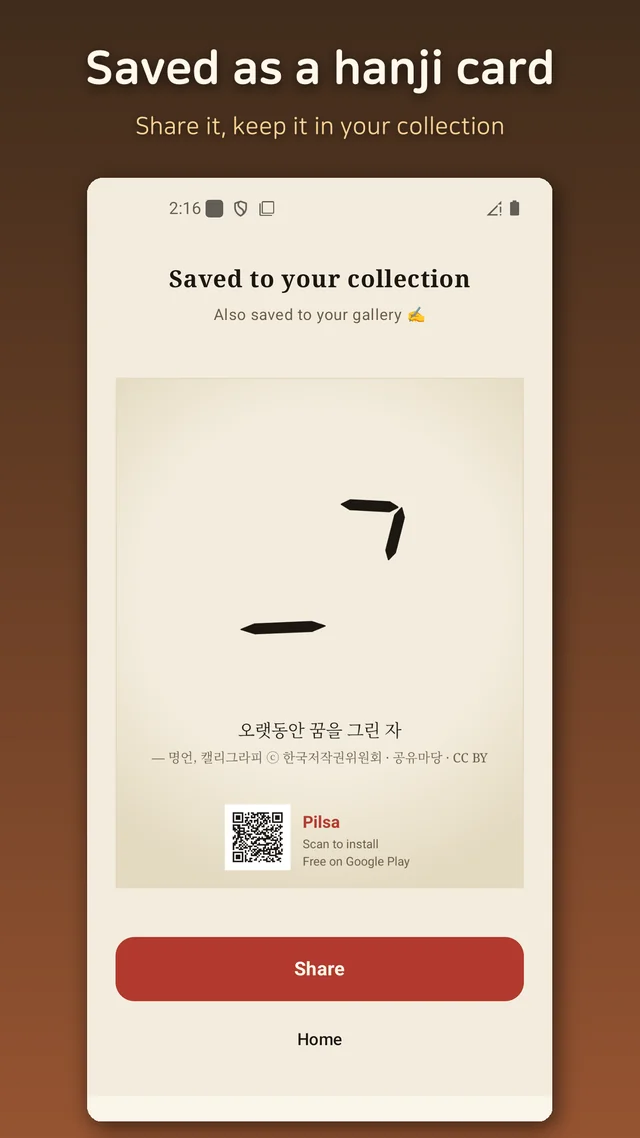
The old app had only typed guide text in a serif face, and my finger could not follow it at all. Two things fixed that: zoom with a fixed pen width, and real calligraphy to trace instead of print letters. The first attempt at laying the artwork on paper also went wrong — I blended it with a multiply filter and got a grey slab — until I made the white background transparent pixel by pixel. Small things, but they are the difference between "cute idea" and "I actually traced something today".
Who this is for
- Anyone who wants to try calligraphy without buying a single pen
- Learners of Korean who want to feel the strokes of Hangul, not just read them
- People who collect quotes and want them in their own handwriting
- Anyone who wants three quiet minutes with a brush before bed
Download (Google Play, free): https://play.google.com/store/apps/details?id=com.thefacegood.pilsa
Calligraphy artworks: Korea Copyright Commission, Gongu (gongu.copyright.or.kr), CC BY 4.0. Brush typeface: Nanum Brush Script, SIL OFL 1.1.


Comments
Post a Comment