A hard maze you draw with your finger, not tap through
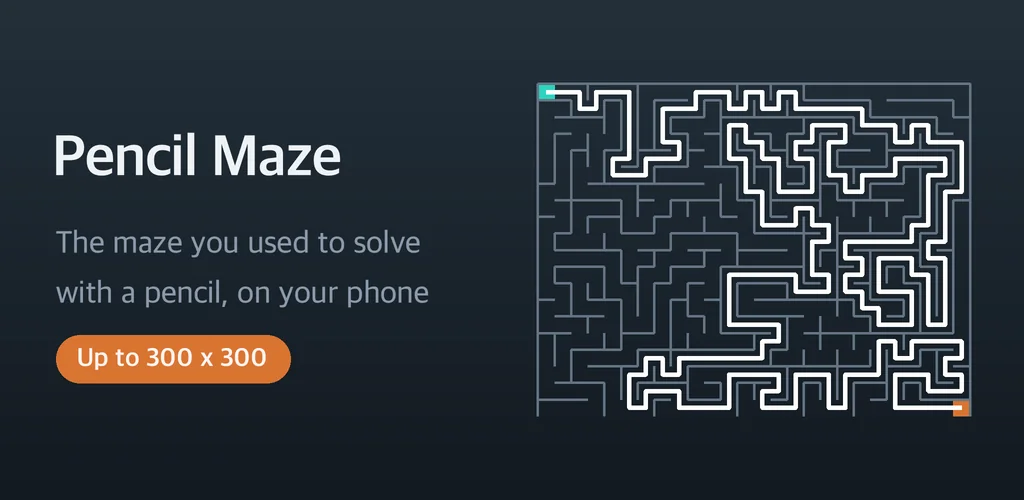
I grew up filling in maze books with a pencil, and I could never find that on a phone. Every app I tried gave me a little character to tap around, or asked me to tilt the device. That is a different game. The thing I actually missed was the drag - the slow scrape of graphite along a corridor, the moment you realise you are in a dead end and have to walk yourself back out. So I built Pencil Maze, where a hard maze is solved the way paper works.
You put a finger down anywhere. The tip of the line moves by however far your finger moved, like a pencil held over the page. Walls stop you dead. Retrace your own line and it rubs out behind you. Nothing about it is aimed at children, and there are no cartoon mascots anywhere in it.
▶ Get it on Google Play (free): https://play.google.com/store/apps/details?id=com.thefacegood.mirofind
Why every maze app felt wrong to me
The top results for a maze puzzle are mostly toddler apps with balloon lettering, and their ratings are wrecked because grown-ups keep downloading them expecting a challenge. There was an obvious gap: nobody was serving people who wanted a genuine labyrinth. So the whole thing is built around difficulty rather than cuteness, all the way up to a single 300x300 board.
A numbered book instead of an endless random feed
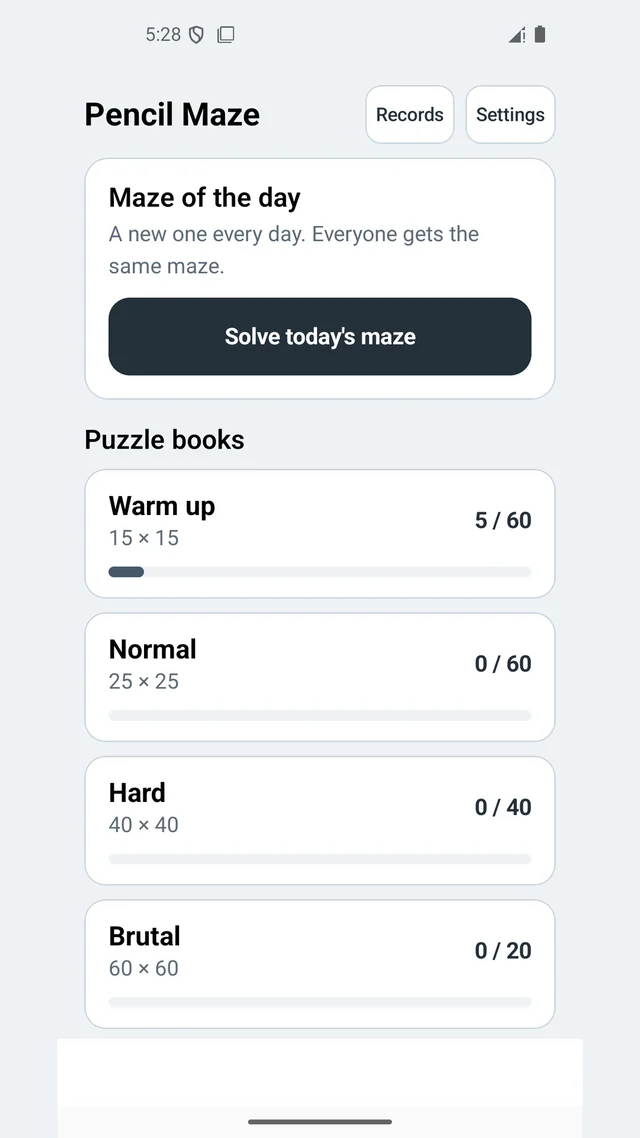
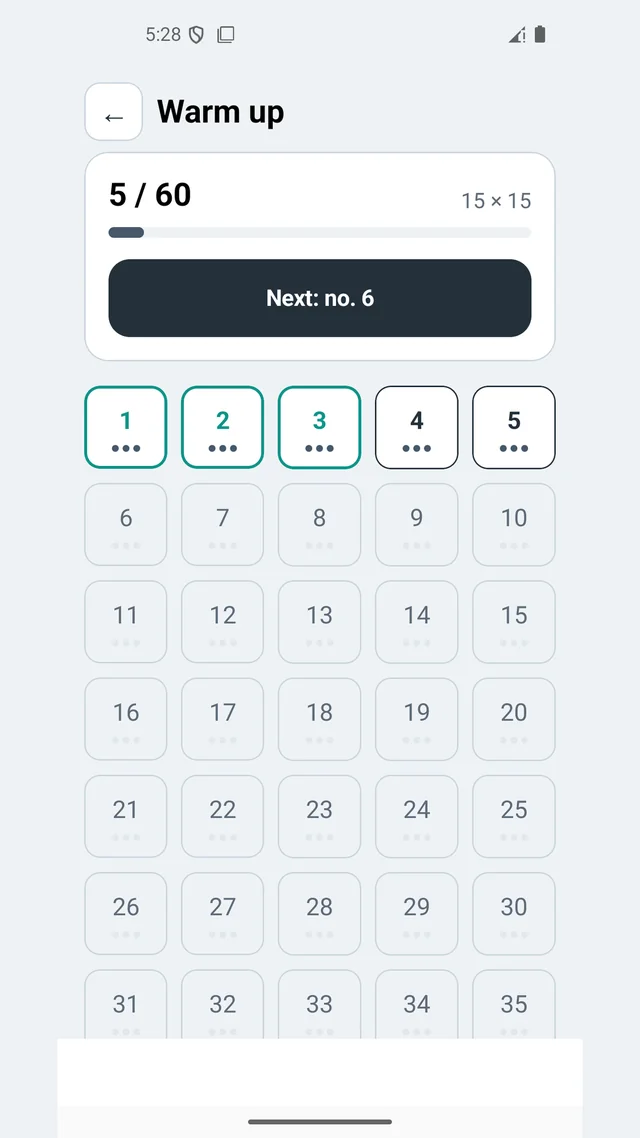
Random generation sounds generous but it kills any sense of progress - your fortieth maze feels exactly like your third one. Instead there are 191 mazes with numbers on them, and the number itself decides the board, so puzzle 12 is the same board on your phone as it is on mine. You can see at a glance how many you have cleared.
Scores are not based on your time. Every board has a different shortest route, so comparing minutes across two different puzzles tells you nothing. What the app records is the extra distance you covered beyond the shortest possible route - take it exactly and you score zero - plus how many dead ends you wandered into.
How to solve a hard maze without seeing the whole board
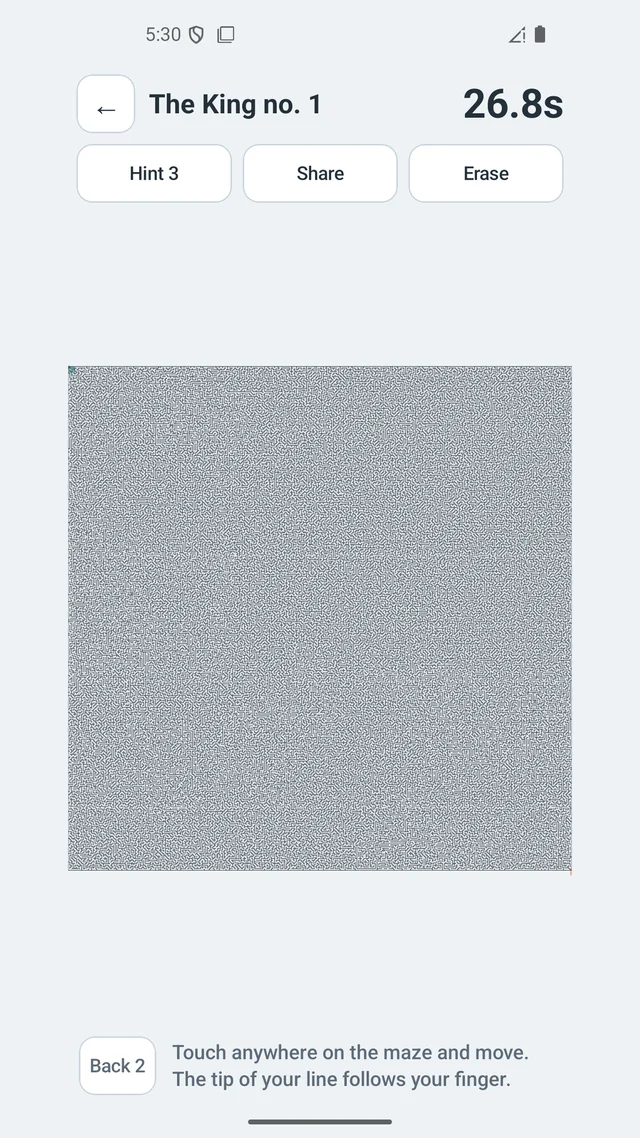
At 15x15 you can plan the whole thing with your eyes. At 100x100 you cannot, and that is the point where the game actually starts. Pinch to zoom in, work a section, zoom out to check where you drifted. There is a hint that lights up the next six cells, three times per board, and a back-up button for when a wrong turn has left you deep in a branch and you cannot be bothered to reverse over your own line by hand.
The bug that made every maze secretly easy
This one cost me a weekend. To stop every wrong turn from being an obvious short stub, I started punching extra openings between neighbouring branches. It worked visually - suddenly the boards looked like a real labyrinth. Then I measured the shortest route and it had collapsed by more than half. The openings were quietly creating shortcuts, so the score was flattering everybody.
The fix was to only ever join two cells that sit at the same distance from the entrance. That way an opening can never shorten anything. Two more problems fell out of it: whole rooms started opening up where several loops overlapped, and stray wall fragments were left floating in mid air with nothing attached to them. Both got their own guard, and the boards finally look like something a person would have drawn.
Who this is for
- People who finished the maze books and want something that actually resists
- Anyone who prefers drawing a route over steering a character
- People who want a printable maze pdf for paper, up to the 40x40 size
- Anyone who wants a puzzle that works on a plane with no signal and no account
Download (Google Play, free): https://play.google.com/store/apps/details?id=com.thefacegood.mirofind
The mazes run entirely offline, and it never touches your camera, location, contacts or storage. If you get through the King board, I would genuinely like to hear about it in a review - as far as I know almost nobody has.


Comments
Post a Comment