Lock Screen Memo That Pops Up the Moment You Unlock
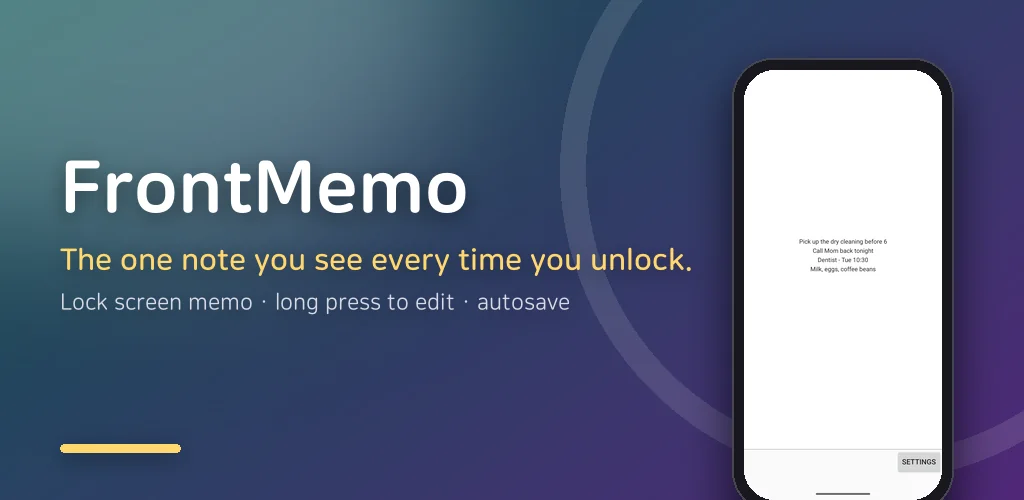
What if the note you keep forgetting was the first thing on the screen every time you unlocked your phone? Not in a widget you have to swipe to, not inside a notes app you have to open, but right there, full screen, before anything else. That is the whole idea behind this lock screen memo app, and it has stayed on my phone longer than almost anything else I have made, because a sticky note you cannot avoid is the only kind that works on me.
It is a small, old, single-purpose app. You write one line, or a few, and it pops up front the moment you unlock the phone. You read it, dismiss it, and get on with what you were doing. That is all it does, and it does it every time.
▶ Get it on Google Play (free): https://play.google.com/store/apps/details?id=com.thefacegood.frontmemo
What a lock screen memo means here, and what it does not
I want to be precise, because "lock screen" gets used loosely. This app does not draw on the locked screen itself. It waits for the unlock, and then it appears in front of whatever you were about to open. In practice that is the moment you were looking for: the second after you pick up the phone, before the feed or the chat pulls you away. The note is there, big, unavoidable, and then gone with a tap.
If you want a note that stays on the locked screen behind the clock, this is not that app. If you want a note that ambushes you at the exact moment you start using the phone, it is.
One note, the whole screen, no list
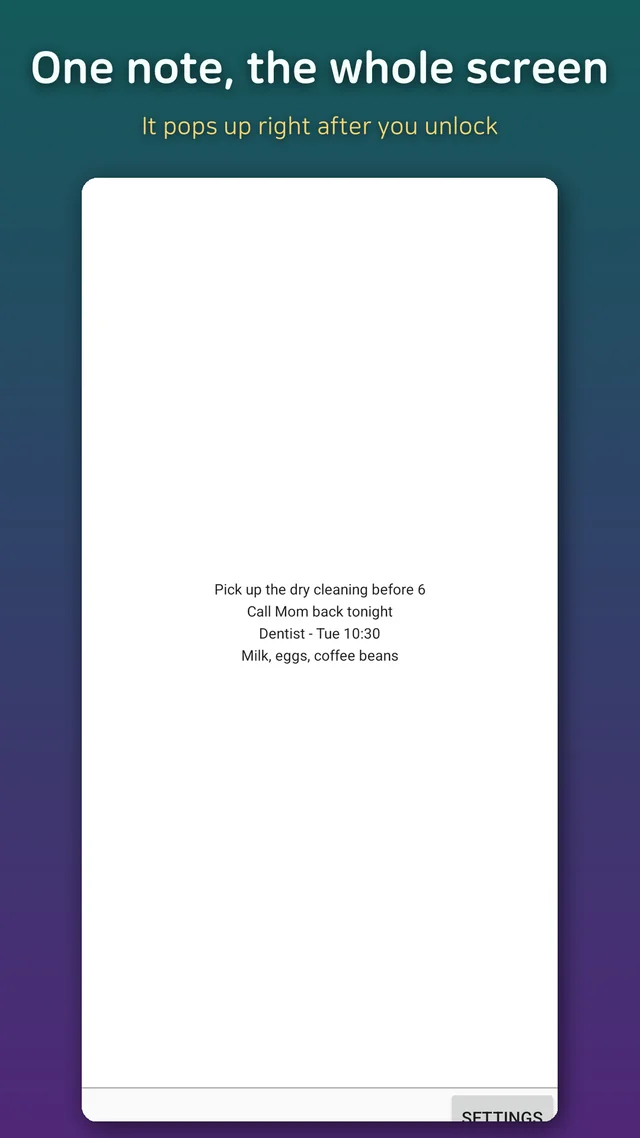
Most note apps are a list of notes, and lists are where reminders go to die. Here there is one note. It fills the screen in large text. If you write "call the landlord", that is what you see at 8 in the morning, 11, 2 in the afternoon and every time in between, until you change it. There is no archive to scroll and no folders to organise. The constraint is the feature: one thing you should not forget, kept in your face until it is done.
I use it for the small, time-boxed stuff. The parcel to post before the counter closes. The prescription to pick up. "Do not buy milk, there is milk." Anything I would otherwise write on my hand.
Long press to edit, and it saves itself
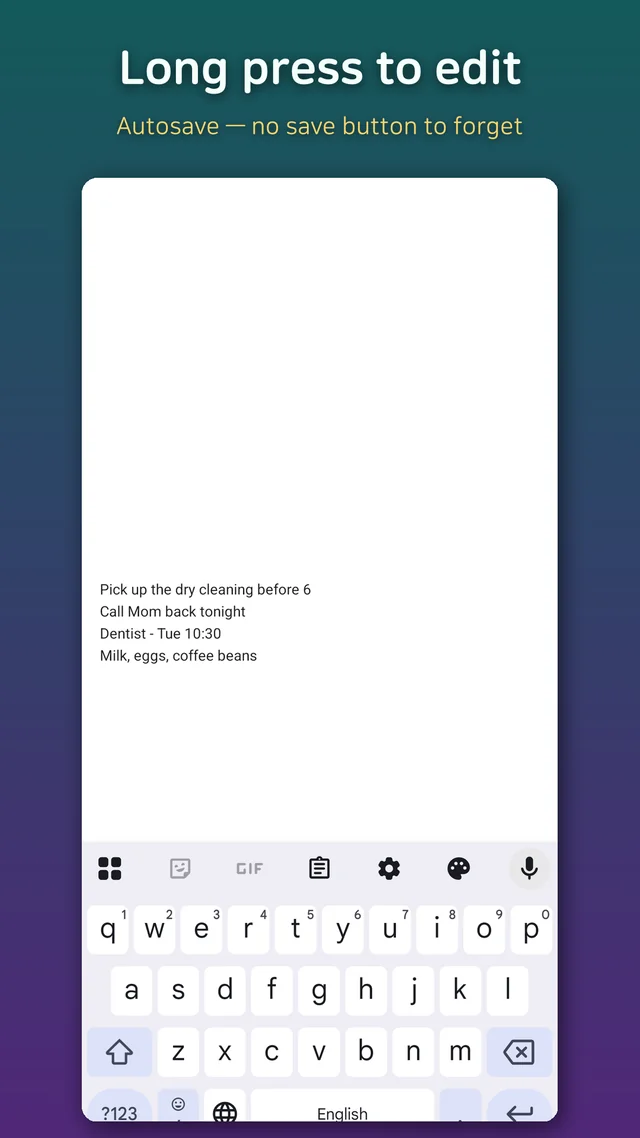
Editing is a long press on the note. Jot one line, and it autosaves as you go, so there is no save button to forget and nothing lost if a call comes in. Tap again to leave edit mode. When something is done you either clear the line or replace it with the next thing, which takes about as long as it took to read this sentence.
It is meant for a quick note, not a document. If you find yourself writing paragraphs into it, you have the wrong app, and I say that as its developer.
Backup, alignment, and the one permission it needs
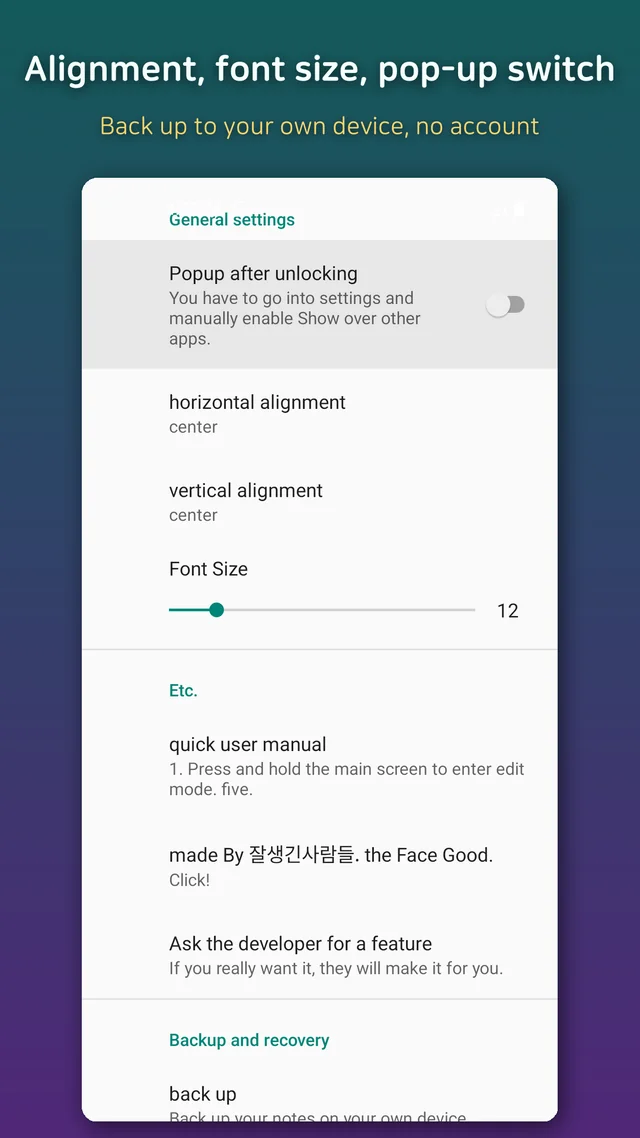
There are a few settings and no more. Text alignment, horizontal and vertical, and a font size, so the note sits where you like it and reads at arm's length. A switch for the pop-up-after-unlock behaviour if you want to pause it. And a backup: the note is saved to a file on your own device and can be restored from that file later, for example after moving to a new phone. There is no cloud, no account, and nothing synced anywhere.
The one thing it does need is the "display over other apps" permission, since that is how it can appear in front of whatever was on screen. The app tells you where in the system settings to switch it on. Without it, the memo still exists, it just will not jump out at you, which rather defeats the purpose.
I have not stuffed it with features over the years, and I will not. There is no widget, no checklist and no reminder scheduling in this version, and adding them would turn it into the list-of-notes app it was built to avoid.
Who this is for
- People who write reminders down and then never open the app they wrote them in
- Anyone with one recurring thing to remember this week and no patience for a to-do system
- Parents and carers who need a single instruction in front of them all day
- People who liked paper sticky notes on the fridge and want one on the phone
- Anyone who wants a note that is impossible to miss, not merely possible to find
Download (Google Play, free): https://play.google.com/store/apps/details?id=com.thefacegood.frontmemo
If you have used it for a while and there is one small thing that would make it better, there is a feedback entry in the settings that goes straight to me. Keep the request small. Small is the point.


Comments
Post a Comment