Name Compatibility Test: The Notebook Game, Now an App
I took the name compatibility test that half of us scribbled in the back of a notebook at school and turned it into a phone app. Two names go in, the stroke counts get added up row by row exactly the way you did it with a pencil, and the last two digits left standing are your match %. That is the entire product. No sign-up, no account, and it runs offline.
The reason I bothered is that every "love calculator" I could find online either hid the result behind three pages of ads or made up a number with no visible logic. The notebook version had a rule you could follow with your own eyes, and I wanted that back.
▶ Get it on Google Play (free): https://play.google.com/store/apps/details?id=com.thefacegood.namematch
How the name compatibility test actually works
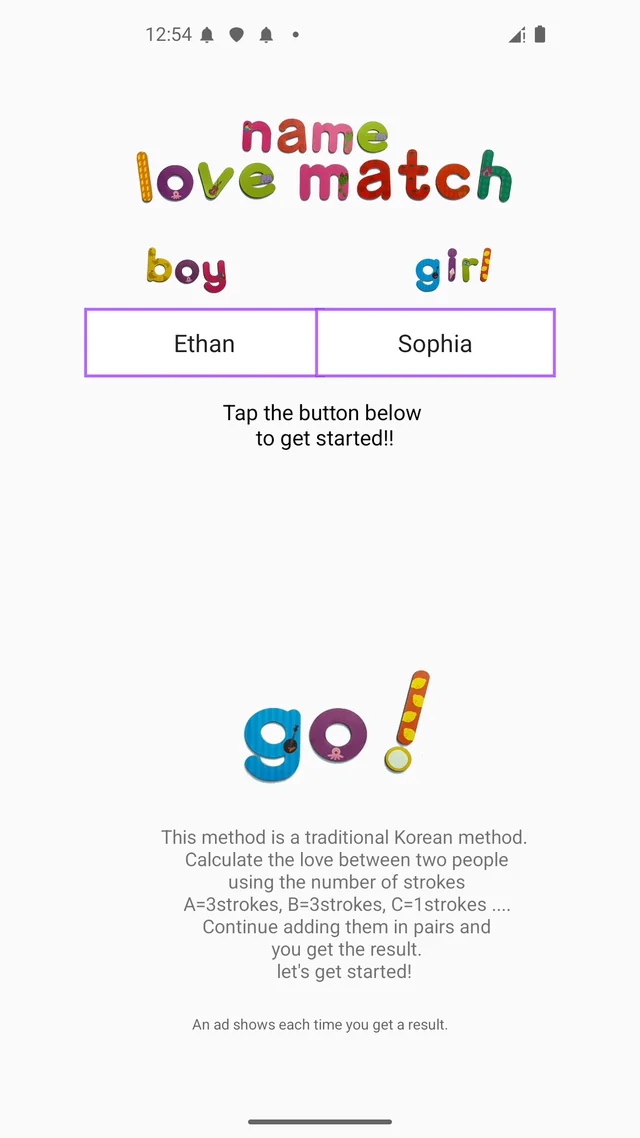
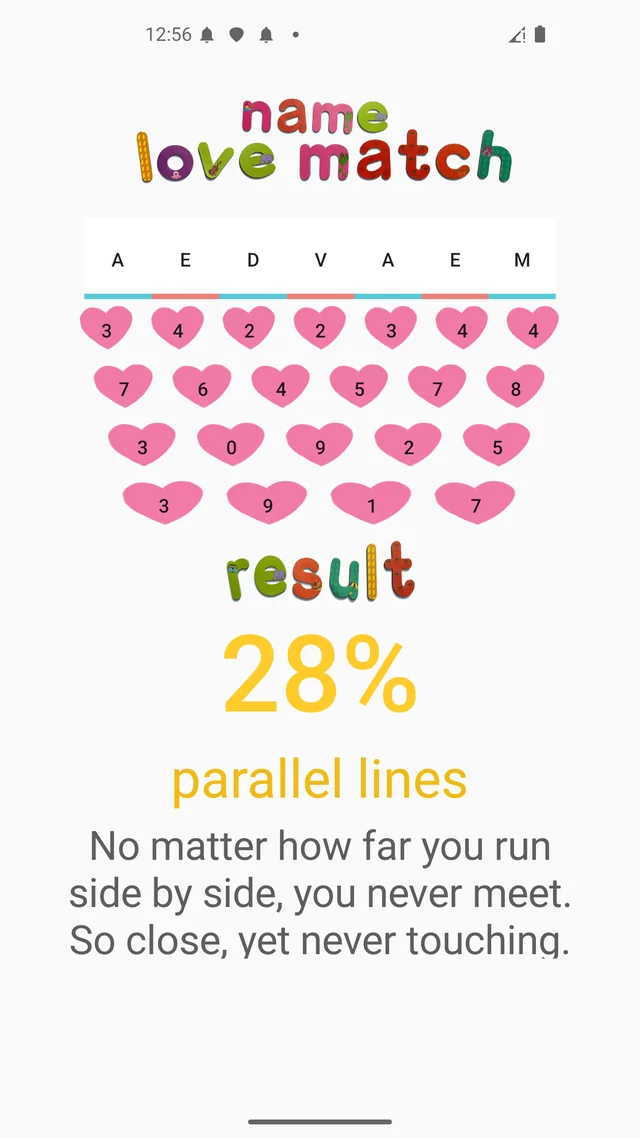
If you never played it, here is how to calculate name compatibility the old way. Write the two names so the letters alternate, one from each name. Under every letter, write how many pen strokes it takes to draw it. Then add each pair of neighbours together, keep only the last digit if the sum goes over nine, and write the shorter row underneath. Repeat until two digits are left. Read them as a percentage.
That is what the app does, and it does it in the open. The alternating letters, the stroke numbers, and every shrinking row are drawn on screen one step at a time, so you can check it against a piece of paper if you want to. It handles both English names and Korean names, because the stroke table for the Latin alphabet is built in alongside the Korean one. Type "Alex" and "Sam", or two Korean names, or one of each.
Watching the numbers fall is the whole point
Early on I had a version that skipped straight to the result. It was correct, and it was boring. Nobody typed a second pair of names.
So I slowed it down. The rows now collapse one after another, and the last few seconds before the final two digits appear are where all the fun lives. Everyone in the room leans in. Then the number lands and someone either screams or demands a recount. That short countdown is the same tension the notebook version had, and it is the thing I would refuse to remove even if it made the app "faster".
72 result lines, from 1% to 100%
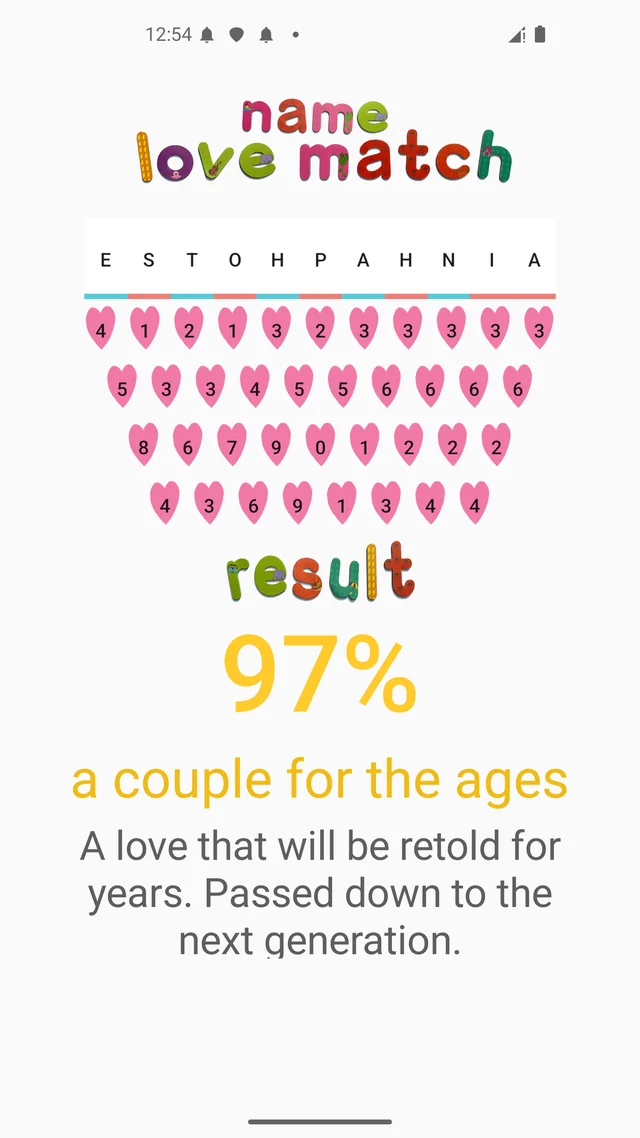
A bare percentage is a dead end, so every score range gets its own one-liner plus a short explanation. There are 72 of them. A 97% tells you something dramatic, a 45% gets a gentle shrug, and a 28% comes with a joke sharp enough to get screenshotted and sent straight back to the person whose name you typed. I rewrote these more times than any other part of the app, because they are what people actually read out loud.
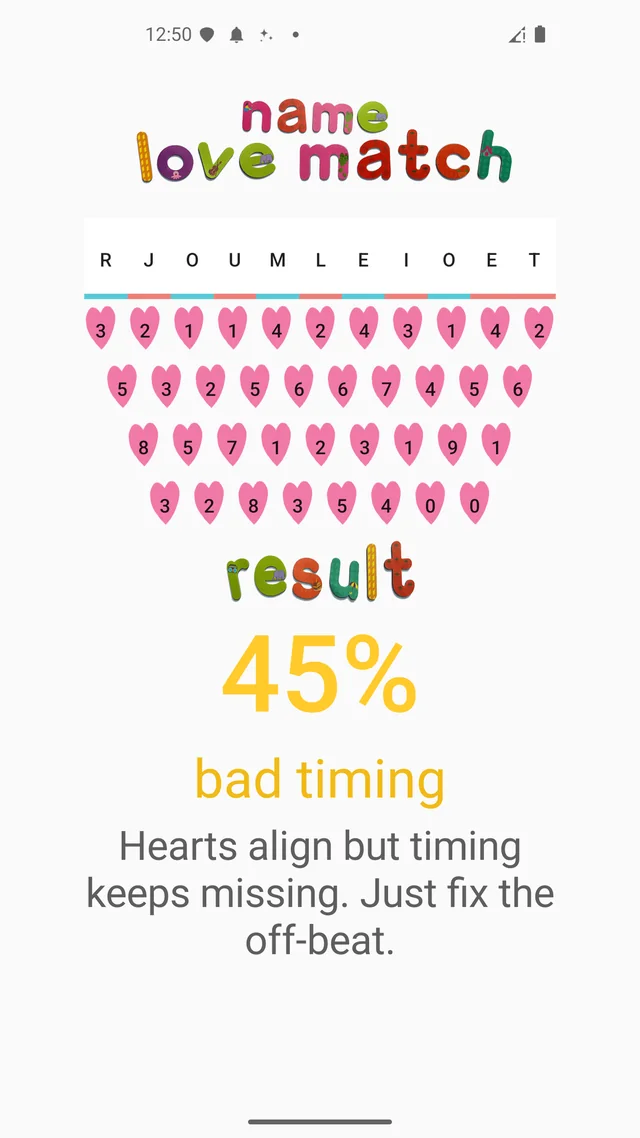
The result screen turns into an image with one tap, so you can drop it into any chat app. There is a small store QR code in the corner of that image, which is how most new users seem to arrive: a friend sends them a 96% and they want to run their own.
Who keeps coming back to it
- New couples who want a number to argue about
- Anyone with a crush and a quiet moment on the bus
- Friends at dinner running everyone's name against everyone else's
- People who do the celebrity pairing thing, purely for laughs
It works as a love test for couples, as a bit of nonsense between friends, and as a five-minute icebreaker on a first date when the conversation stalls. Nothing you type is stored or sent anywhere; the names live in your phone only for as long as it takes to count the strokes.
One thing I want to be clear about
This is a game. The stroke-counting rule is a playground tradition, not a science, and a 20% between two happily married people means nothing except that their names have unlucky handwriting. If you get a low score, the accepted move is to try again with a nickname, a middle name, or the surname dropped, and keep going until you like the answer. That has always been how the notebook version was played too.
Download (Google Play, free): https://play.google.com/store/apps/details?id=com.thefacegood.namematch
※ Purely for fun. The score comes from an old stroke-counting pastime and carries no scientific weight whatsoever.
If a stroke count looks wrong to you, or a result line falls flat, tell me. The 72 comments got to 72 because people kept sending me better ones.


Comments
Post a Comment