Blur Faces in Photos Automatically, Plates and GPS Too
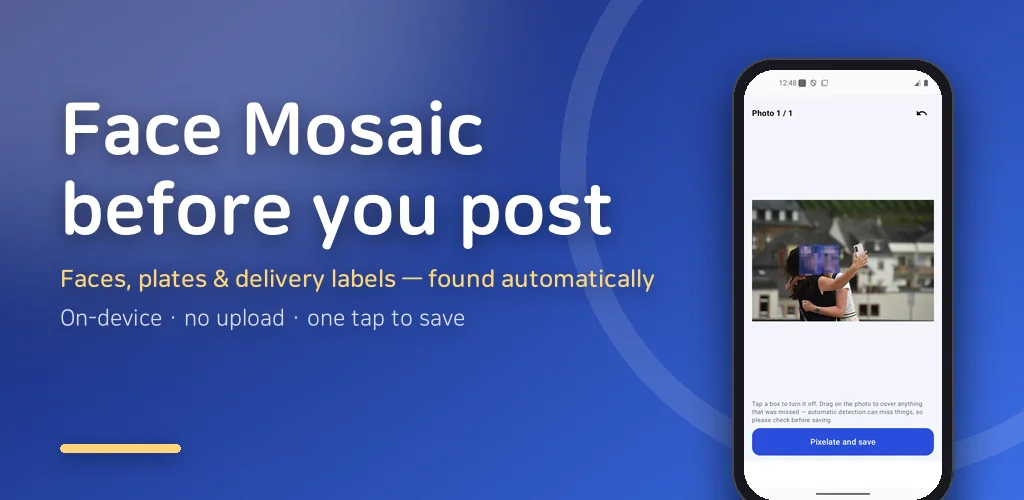
The built-in photo editor on my phone has a mosaic tool, and it is a paintbrush. You rub your finger over the face, zoom in, rub some more, miss an ear, zoom out, and by the third listing photo for the used bike your thumb is sore and your patience is gone. That is how most people blur faces in photos today, one smudge at a time. Do that for twenty photos of the kids from a birthday party and you simply stop posting them, which is what I did for a year.
That paintbrush is why I wrote Face Mosaic. It is an app to blur faces in photos automatically: pick several images at once, the app finds every face, licence plate and delivery label, marks them, and pixelates them on save. It also strips the GPS coordinates hiding inside the photo file. Everything runs on your phone, nothing is uploaded.
▶ Get it on Google Play (free): https://play.google.com/store/apps/details?id=com.thefacegood.facemosaic
Pick, detect, save: how to blur faces in photos here
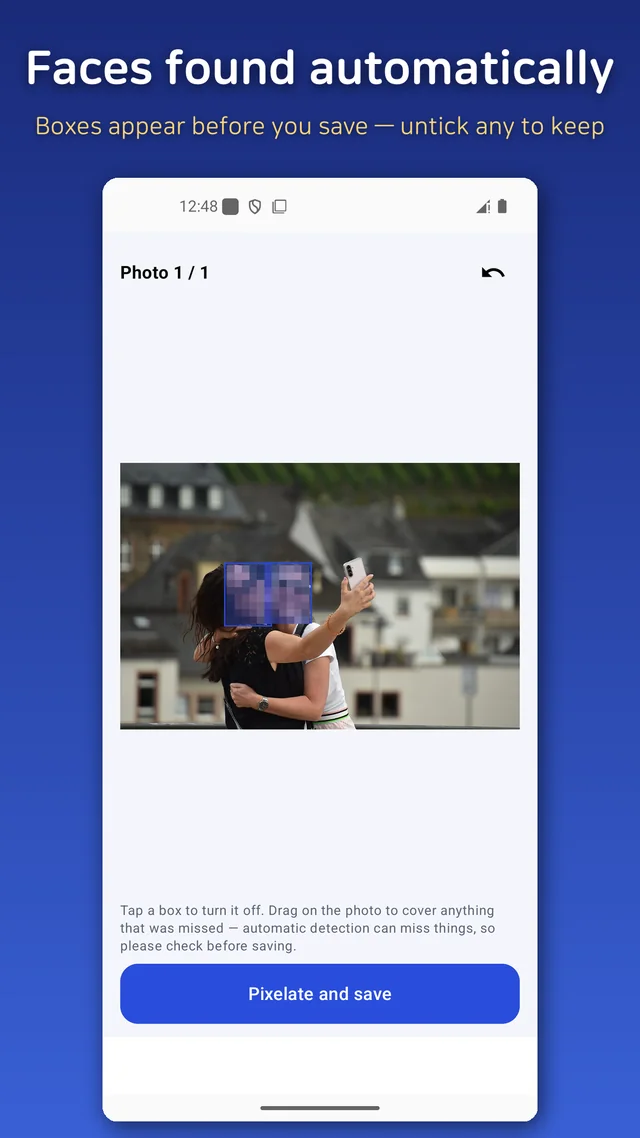
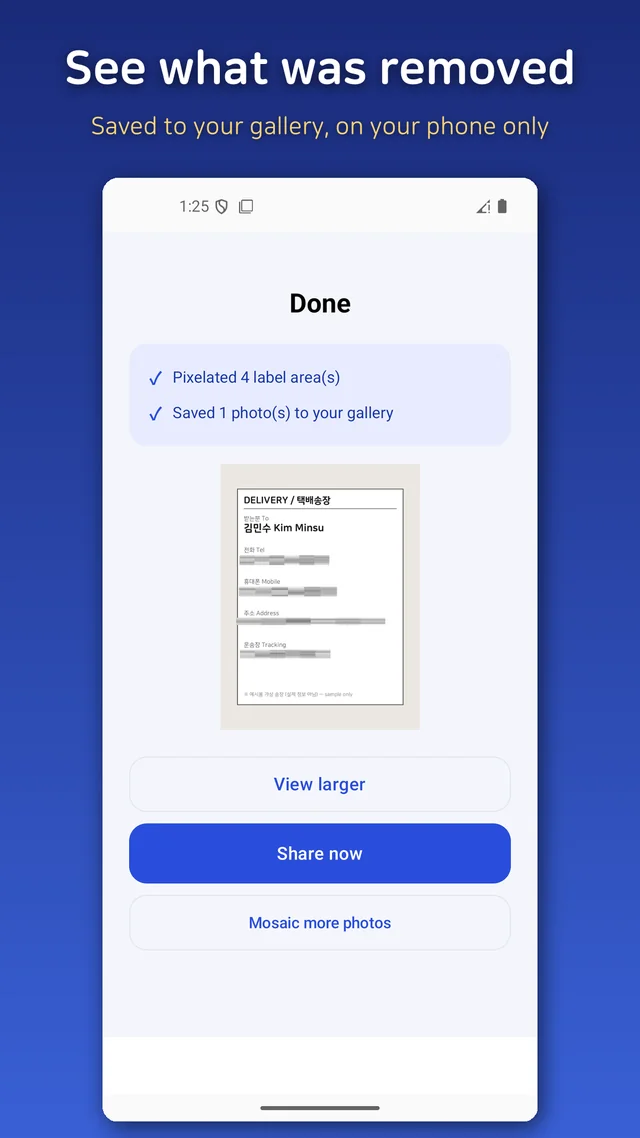
Three steps. Choose one photo or a whole batch. The app scans each one and draws a box around every face, plate and label it found, and you can untick any box you want to keep visible. Anything it missed, you paint over with a finger, because automatic detection is never perfect and the manual brush had to stay. Then save. The mosaicked copy lands in your gallery, and a small report tells you what was removed.
You can choose between a pixel mosaic and a soft blur, and adjust how strong it is. The original photo is never touched.
Licence plates: 54 real photos taught me what I got wrong
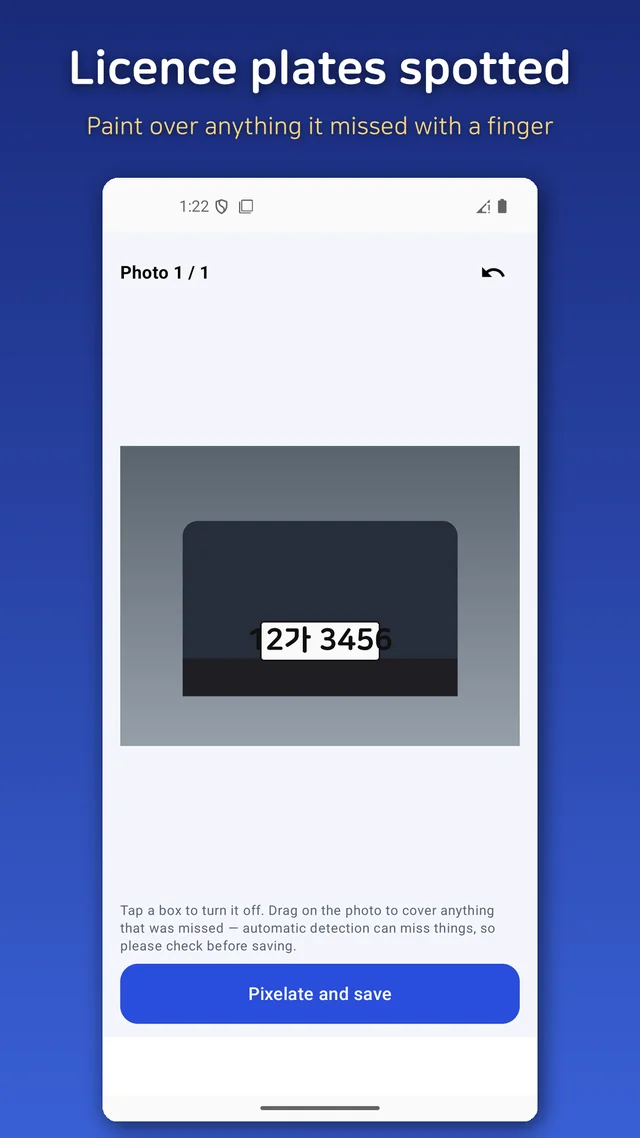
Plate detection was the part I spent the longest on, and the part I nearly shipped broken. My own test images, with clean printed plate numbers, were caught every single time. Then I fed it real street photos and it missed plate after plate. A number printed neatly in an image editor and a number stamped on metal under a dirty bumper at an angle are different objects.
So I collected 54 openly licensed photos of real cars with Korean plates and ran every one. Two things fell out. First, the text reader often could not read the single Korean character in the middle of the plate, so a rule that required that character failed constantly; I changed it to look for the shape of a plate instead, a few digits, then one character of anything, then four digits. Second, older two-line plates were being read as two unrelated blocks of text, so the top and bottom lines never matched as one plate; stacking neighbouring blocks and testing them together fixed that. The catch rate on the same 54 photos jumped. It is still not 100%, and a tiny, tilted or blurry plate can slip through, which is exactly why the preview and the brush are there.
Delivery labels, and the phone number I was not looking for
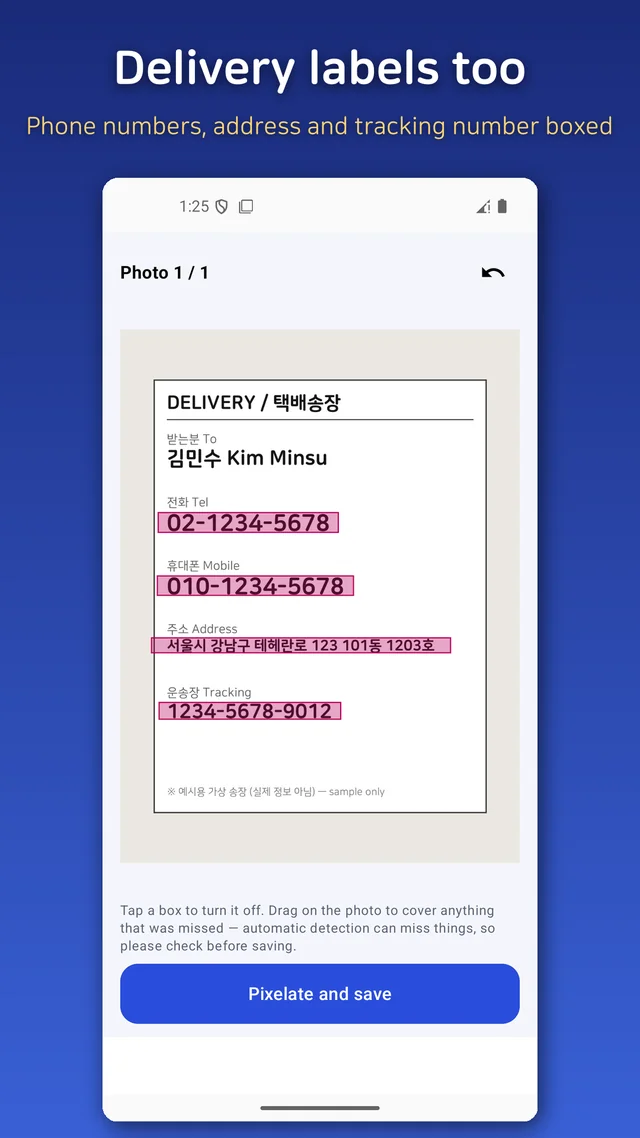
The label feature came from watching people post a photo of a parcel as proof of a sale, with their full name, address and phone number printed in large type on the box. My first version only looked for mobile numbers. Then I looked at actual labels and found that the big number on most of them is a landline, that tracking numbers are broken up with hyphens, and that the recipient's name sits right next to a title word. All of those are now candidates the app offers to cover.
The location hidden inside the photo
This is the part most people do not know about. A phone camera writes the exact GPS position and the device model into every photo file. Blur the faces and post the picture, and the coordinates of your living room go along for the ride. Face Mosaic will strip GPS EXIF and device data when it saves, and shows you a "removed" list so you can see it happened. It also shrinks the file to a size that uploads quickly.
What it will not do
- Detection is automatic but not perfect. Side profiles, very small faces and half-hidden plates can be missed. Check the preview and paint over anything left.
- It is photos only. No video.
- It helps you process a photo; it does not guarantee that nothing identifiable remains.
Who this is for
- Anyone selling things online with strangers or cars in the background
- Parents who want to post the party without posting the other kids' faces
- People sharing a parcel, receipt or screenshot with a phone number on it
- Travelers who would rather their photos not say where they sleep
No login, no watermark, no subscription, works offline. It is free with a banner ad and one interstitial at save time, and whatever the ads do, your photos never leave the device.
There is one more trick I use more than the app itself: from the gallery share sheet, pick "Face Mosaic", blur, and share straight back out without opening the app first.
Download (Google Play, free): https://play.google.com/store/apps/details?id=com.thefacegood.facemosaic
If it misses something in a particular kind of photo, send me a description of the shot. The plate detector got better because people did exactly that.


Comments
Post a Comment